Products & stock
Organize products and keep track of available inventory.
Live inventory and sales management for small businesses and resellers. Start with BusinessOS Inventory Free Community Edition.
Free Community Edition · LiveLive inventory and sales management for small businesses and resellers. Start with BusinessOS Inventory Free Community Edition.

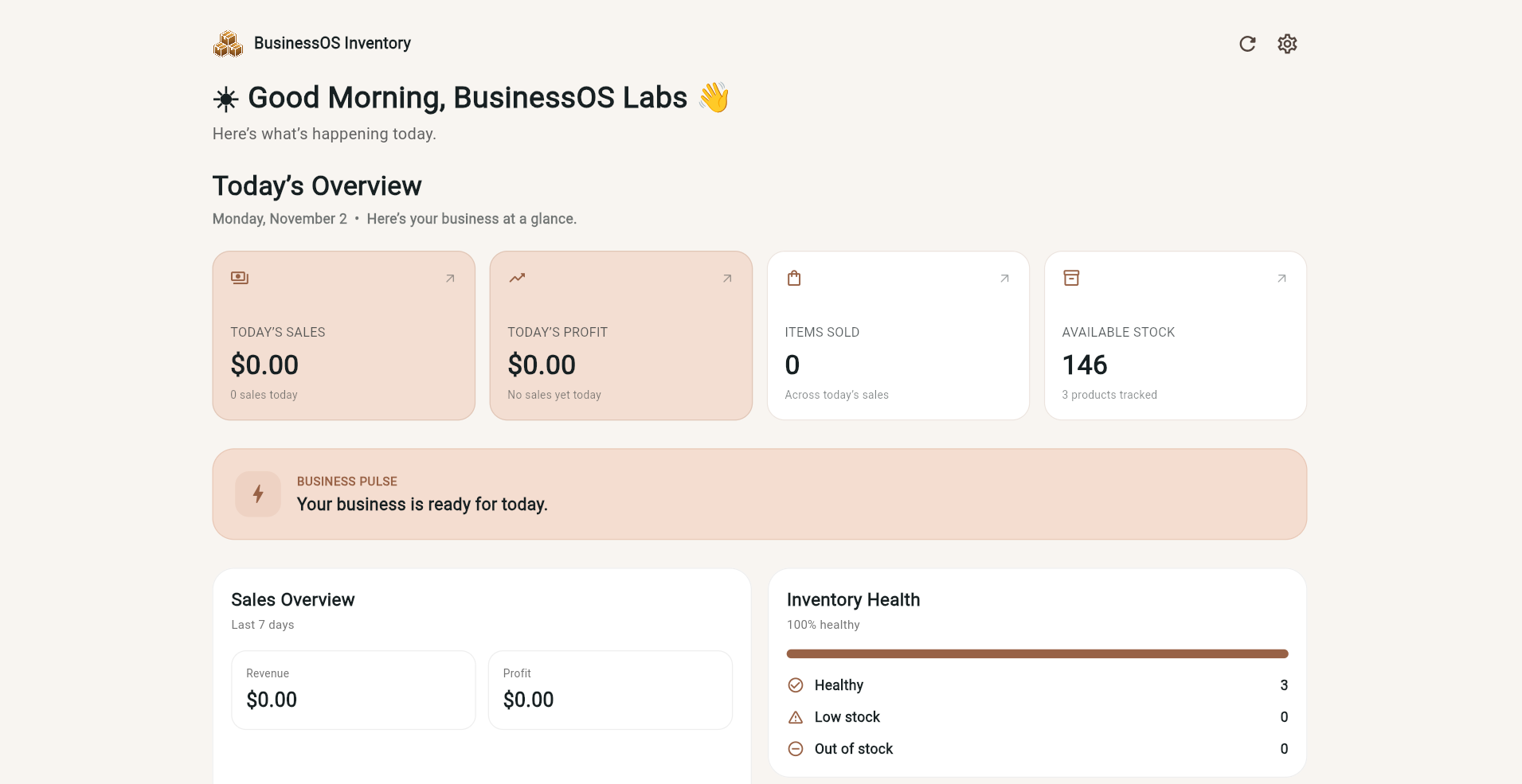
Organize products and keep track of available inventory.
Record completed sales and follow business activity.
Track incoming stock and update inventory when goods are received.
Review sales, expenses, and profit information.
Small businesses, independent sellers, and resellers who need a clearer view of their daily operations.
BusinessOS Inventory Free Community Edition runs in your browser and can also be added to your device for quicker access.
Open BusinessOS Inventory in Chrome or Edge. Use the browser's install option when available to add it to your computer for app-like access.
Open BusinessOS Inventory in Chrome, open the browser menu, then choose Install app or Add to Home screen.
Open BusinessOS Inventory in Safari, tap the Share button, choose Add to Home Screen, then confirm.
No installation is required. Open BusinessOS Inventory directly in a supported browser whenever you need it.
Open the live Free Community Edition, or ask BusinessOS Labs a question before getting started.
Read the Inventory app’s Privacy Policy before using the app.